/design-forge:ui-designerPROUI Designer
Build the web surface itself — website, landing page, webapp shell — from a curated industry × platform × style taxonomy: exact motion physics, per-industry pattern sets and skip-lists, section templates, cursor/3D gating. These are the concrete decisions training memory averages into the generic AI look. Detects its mode from disk — inside a compose campaign it consumes the brand's recorded decisions; standalone it grounds cold starts via ux-researcher + analyze-market + intake before building.
What it does
When to use it
Give /design-forge:ui-designer what to build in plain words — or the industry platform style axes if you know them. It detects its mode from disk: inside a compose campaign it consumes the brand's recorded decisions; with design artifacts but no campaign it consumes them and names unsupplied positions; on a cold start it grounds itself via ux-researcher + analyze-market + intake before building.
Explore approved examples
Inspect the resolved design coordinates and verification evidence in the Design Forge Experience Library.

Apple Product Page
Time-media depth under an apple-showcase spine: the product-reveal hero drives a 120-frame image sequence, which is the exact profile whose static-build-passes-while-runtime-404s trap the verification matrix's compiled criterion exists to catch — frame URLs must sweep before this example counts as built.
Build, render, accessibility, reduced-motion, responsive, and capability checks passed.
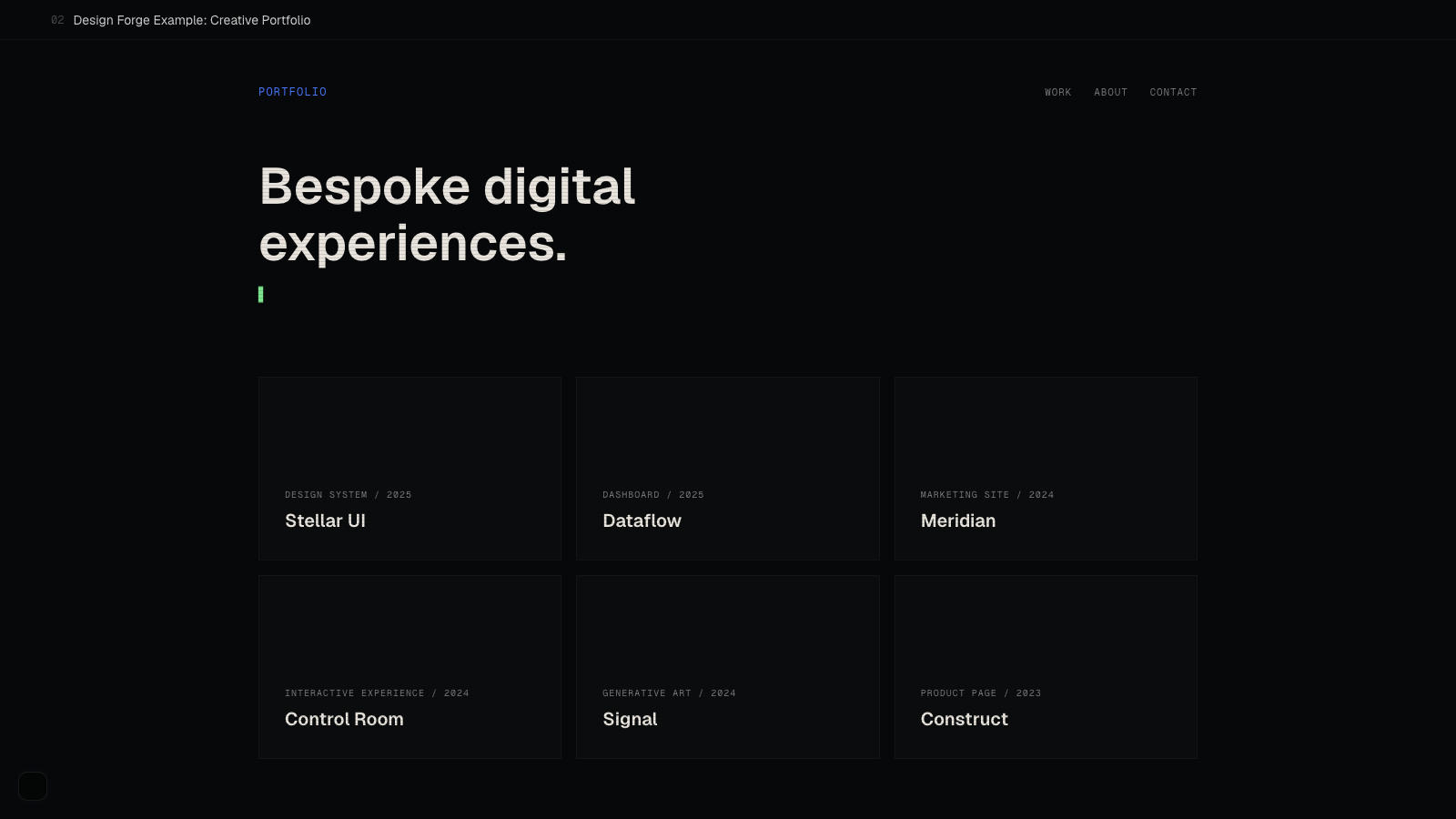
Creative Portfolio
Procedural-2d depth in its disciplined form: per-card canvases that animate only the hovered card (animateOnHover), a 3-layer contextual cursor, and a CRT overlay — the maximum-expression cell gated by exactly the components shadcn-bridge.md's skip lists keep off health/legal builds.
Build, render, accessibility, reduced-motion, responsive, and capability checks passed.
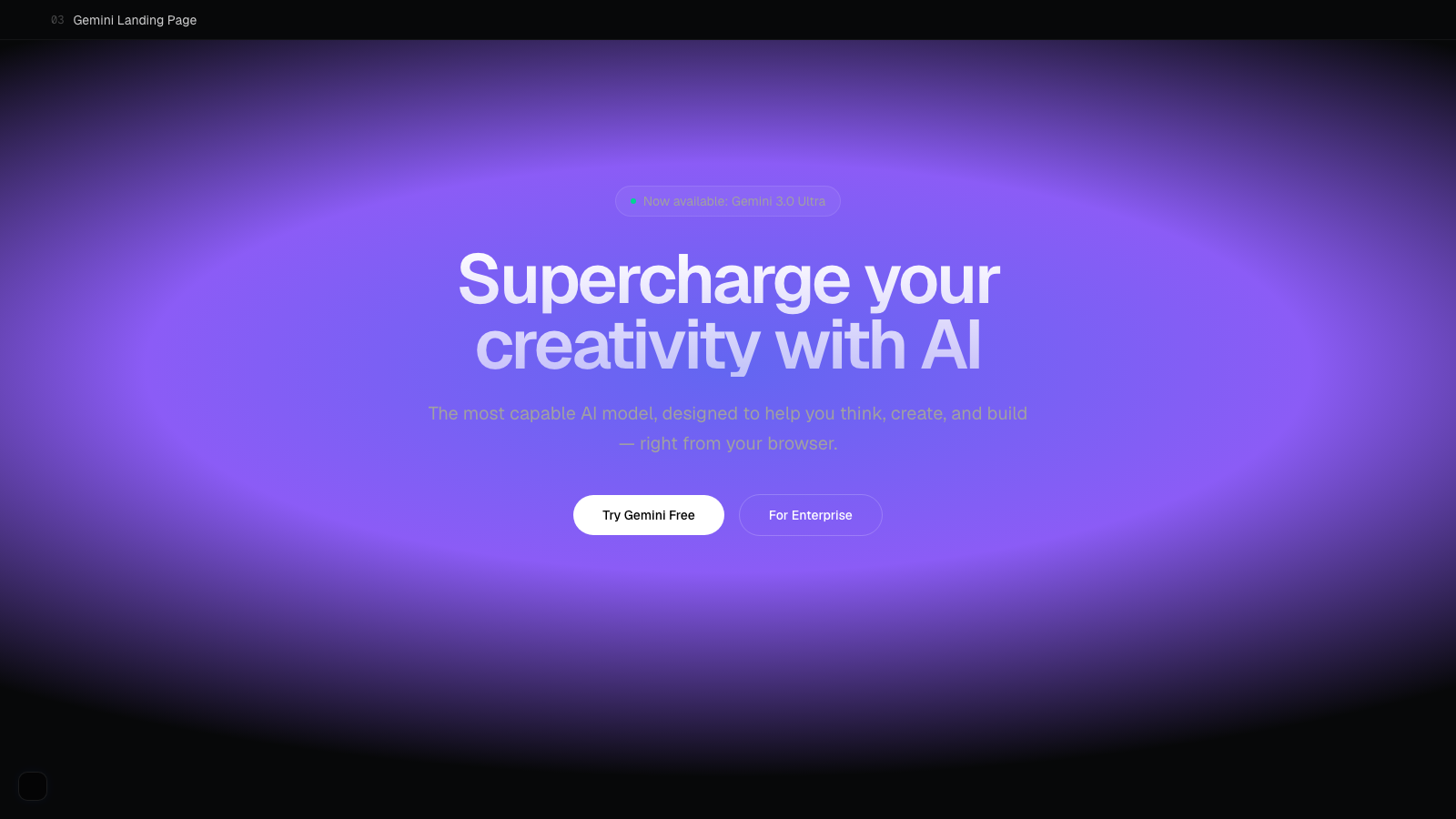
Gemini Landing
The saas/website/modern cell end to end — all nine standard copy jobs resolved through section-copy-map's literal table (gradient hero, features, bento, social proof, FAQ, CTA) at moderate intensity with css-atmosphere depth; the cleanest reference for copy-keyed section composition without a pinned scroll in sight.
Build, render, accessibility, reduced-motion, responsive, and capability checks passed.

Landing Page
A single generative canvas (grid-field) behind the hero at reduced opacity with stagger reveals — procedural-2d at its most restrained, and the pattern for canvas-as-atmosphere: memoized draw function, visibility-gated RAF, reduced-motion static frame, decorative aria-hidden.
Build, render, accessibility, reduced-motion, responsive, and capability checks passed.
Example
$ /design-forge:ui-designer "marketing site for a health clinic"
Mode: cold start (no campaign, no artifacts on disk)
Grounding: ux-researcher + analyze-market → intake
Taxonomy: healthcare × marketing-site × trust-forward
Building sections with the industry pattern set — skip-list applied.
What you get by plan
33+ production-ready premium components with motion and 3D.
- Component catalog with 33+ patterns
- Mode detection: campaign-aware, artifact-aware, cold-start grounding
- Generative canvas presets and particle fields
- Glassmorphism, scroll, cursor primitives
- Animation stacks: Motion.dev, GSAP, Framer
- 3D via Three.js and Spline
- Reduced-motion and WCAG 2.1 AA compliant
- Section templates and asset generation